Buy for the next project, not an imaginary fully equipped workshop. Separate basic hand tools and test equipment from optional platforms such as a Raspberry Pi or 3D printer. This guide gives selection criteria; it is not a current price comparison or a test ranking of every listed category.
Getting started with DIY tech projects doesn’t have to break the bank. Whether you’re interested in electronics, home automation, or small engineering projects, there are plenty of affordable tools that can help bring your ideas to life. In this guide, we’ll explore some must-have DIY tech tools that are beginner-friendly, cost-effective, and versatile enough to use in multiple projects.
1. Soldering Kit – For Projects That Need Permanent Joints
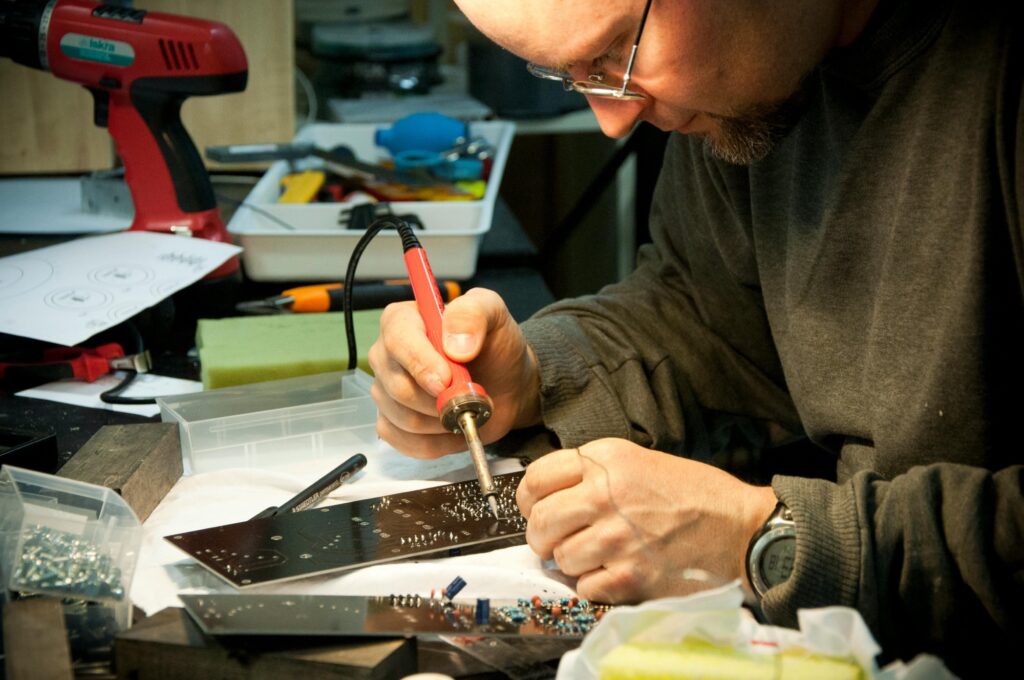
For soldered circuits, choose the tools below. For simple experiments, you can start with a solderless breadboard and defer the iron until the project needs it.
✅ A temperature-adjustable soldering iron
✅ Lead-free solder wire
✅ A stand with a sponge for cleaning the tip
✅ A desoldering pump for fixing mistakes
Before buying: check the iron’s rated supply voltage, stable stand, replaceable tips, and documented temperature control. Budget for ventilation and eye protection, not only the iron.
Read my review: 80W Soldering Iron Digital LCD
2. Multimeter – Your Go-To Testing Tool
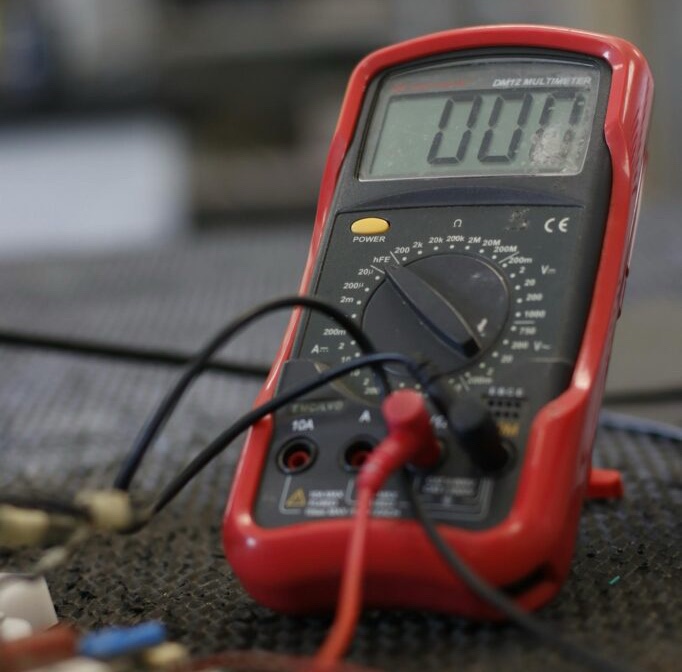
A digital multimeter helps you measure voltage, current, and resistance in circuits. It’s a crucial tool for troubleshooting electronic components, testing batteries, and checking measurements in your DIY projects. A reading alone does not certify a repair as safe.
🔹 What to Look For:
• Auto-ranging for easier measurements
• Continuity tester to detect broken circuits
• Backlit display for low-light conditions
Before buying: check the meter and leads’ voltage and measurement-category ratings, current-input protection, and manual. A cheap meter is not automatically suitable for household mains work. Fluke explains why ratings and independent certification matter.
3. Raspberry Pi – A Tiny Computer for Big Ideas
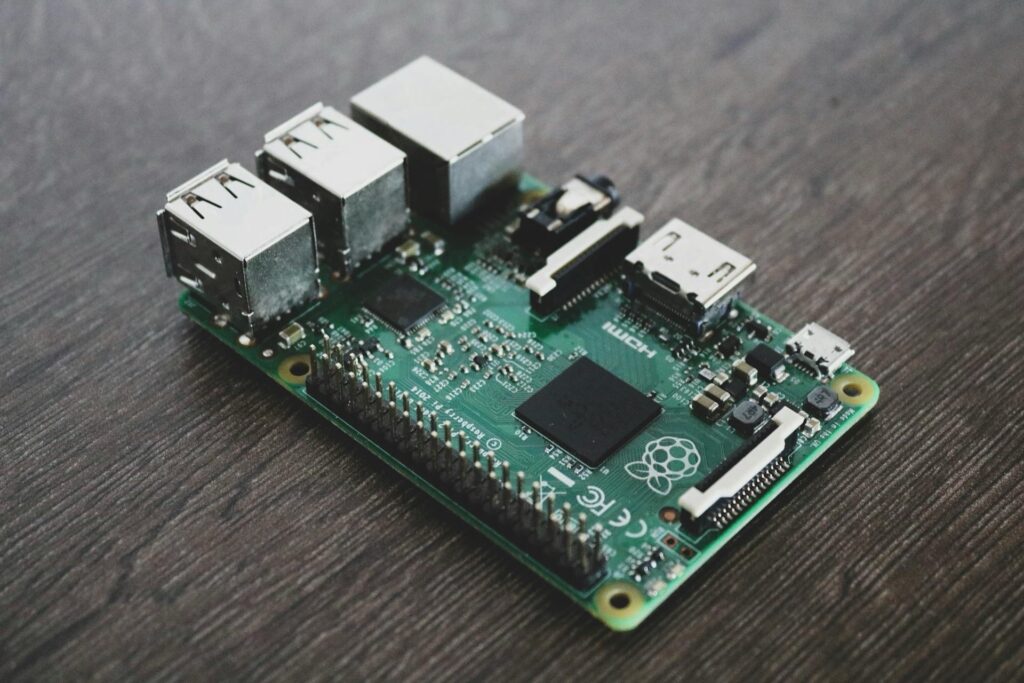
If you’re looking to experiment with home automation, robotics, or coding, the Raspberry Pi is one of the best entry-level microcomputers available. It’s affordable, powerful, and supports a wide range of DIY projects.
🔹 Popular Uses for Raspberry Pi:
✔️ Building a smart home hub
✔️ Setting up a retro gaming console
✔️ Automating home security cameras
Before buying: total the board, suitable power supply, storage, case, and cooling. Use a computer you already own for initial coding if it meets the project’s needs.
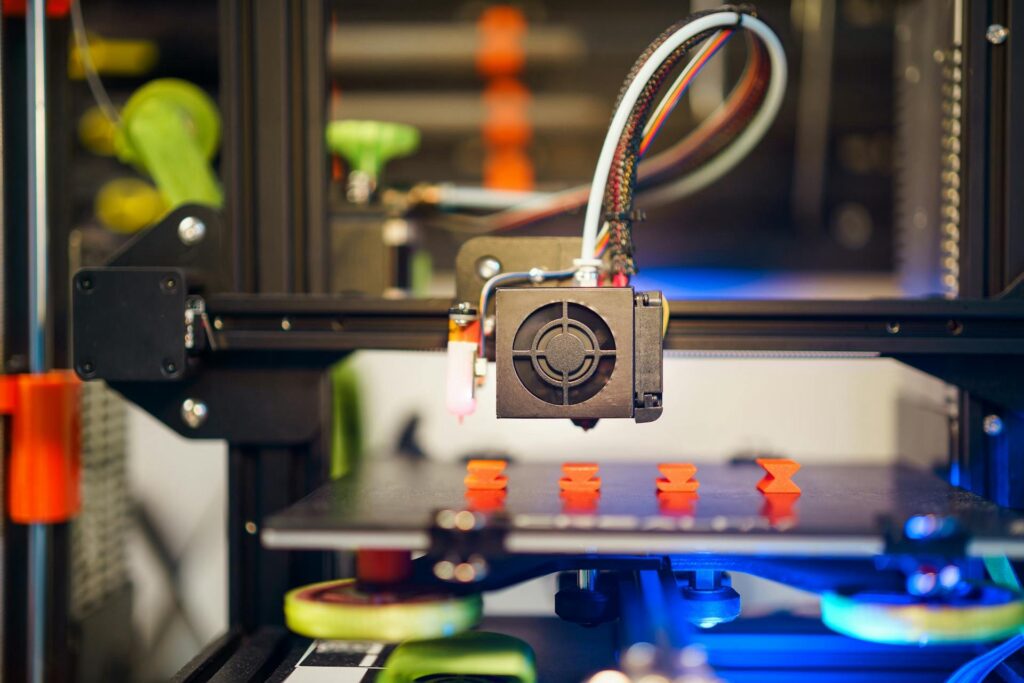
4. 3D Printer – Turn Your Ideas Into Reality
3D printing is no longer just for professionals! With an entry-level 3D printer, you can create custom components, enclosures for electronics, and even replacement parts for broken gadgets.
🔹 Beginner Tips:
• Start with PLA filament (easy to print with)
• Automatic bed probing can help setup, but it does not eliminate calibration or maintenance.
• Download free 3D models from Thingiverse or Printables
Before buying: make a list of actual parts you need to print. Compare complete costs, space, support, and maintenance. See our first-printer buying guide.
5. Precision Screwdriver Set – Essential for Repairs
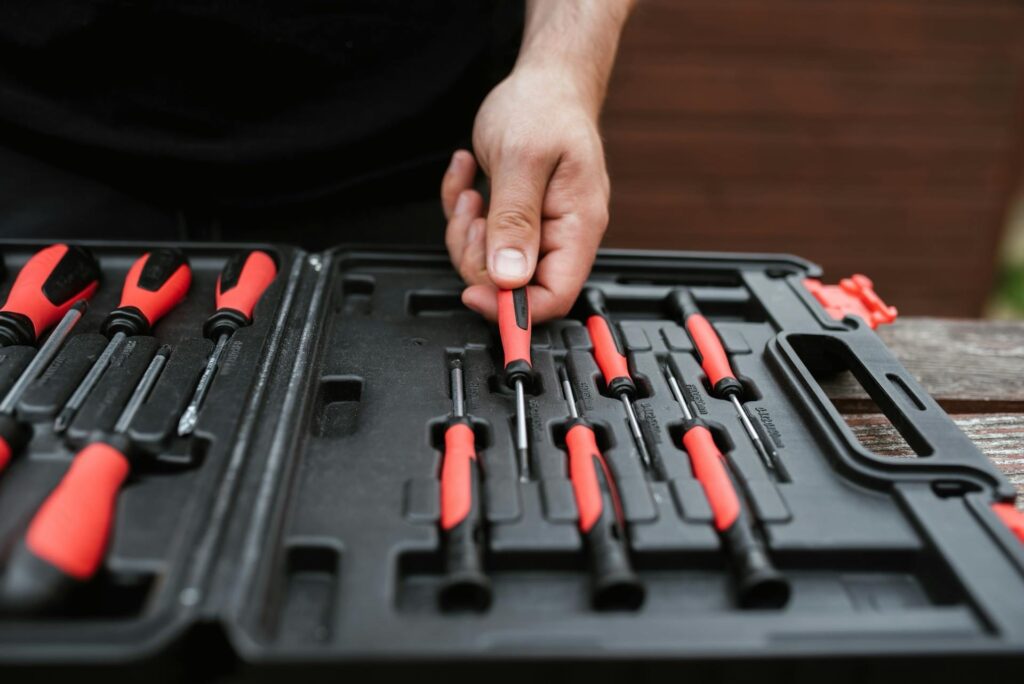
If you plan on taking apart laptops, game consoles, or small electronics, a precision screwdriver set is a must-have. These sets come with multiple bit sizes designed for tiny screws found in tech gadgets.
🔹 Look for a Set That Includes:
✔️ Magnetic tips for easy handling
✔️ Torx, Phillips, and flathead bits
✔️ A compact storage case
Before buying: check the exact screw types and sizes on your device. A correct-fitting bit is more useful than a large set with missing specialty bits.
6. Microcontroller Starter Kit – Learn Coding & Electronics
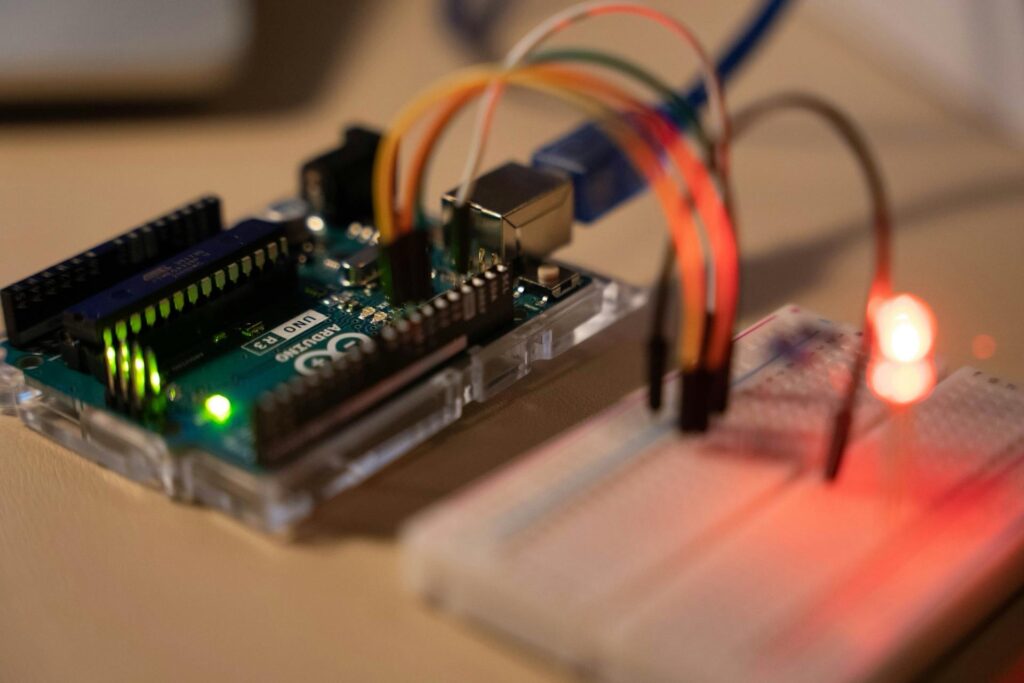
Arduino offers a range of microcontroller boards; compatible starter kits from other makers can also support learning coding, sensors, and automation. It’s a great tool for beginners who want to create interactive projects like motion sensors, LED displays, and even robotic arms.
🔹 Beginner Projects with Arduino:
✔️ Motion-activated night light
✔️ Temperature and humidity monitor
✔️ Simple DIY robot
Before buying: confirm the exact board, included components, operating voltage, USB cable, and documentation. Arduino and an ELEGOO-compatible board are not the same brand.
Final Thoughts: Start Small, Build Big
Getting into DIY tech doesn’t mean spending a fortune. By investing in a few budget-friendly tools, you’ll be able to tackle a wide range of projects, from home automation to electronics repairs.
What’s your favorite DIY tech tool? Drop a comment below and share your recommendations!
Three tools worth the “buy once” upgrade
Most tools can be cheap. These three get used every session, and the cheap versions actively make your life worse:
1. Temperature-controlled soldering station (~$50–80 vs. $15 fire-stick). A $15 iron has two temperatures: too cold and too hot, and you don’t get to choose which. A basic 60W station with a dial (or digital readout) holds its set temperature, heats in under a minute, and accepts standard replacement tips. This is the single highest-impact upgrade in all of beginner electronics — every joint gets easier, cleaner, and faster. If you buy one “nice” thing, make it this.
2. A multimeter with real safety ratings (~$40–60 vs. $12). Cheap meters lie in two ways: inaccurate readings on the low end, and — far worse — no genuine CAT safety rating on the high end. A meter with a real UL/ETL-listed CAT II or CAT III rating has fused current inputs and input protection that keeps a mistake from becoming an arc flash. You don’t need Fluke prices; brands like Klein, Brymen’s budget lines, or UNI-T’s rated models get you legitimate protection. Never trust an unrated meter on mains voltage. Ever.
3. Self-adjusting wire strippers (~$20–30 vs. $8 manual). You will strip thousands of wires. Cheap strippers nick strands (hello, intermittent failures), and manual-gauge strippers slow you to a crawl when wire sizes vary. A self-adjusting stripper grips any gauge from ~10–24 AWG and strips cleanly in one squeeze. It’s the kind of tool you don’t appreciate until you’ve used one — then you never go back.
Everything else on the starter list? Buy the cheap version first. Upgrade only the tools you reach for daily.
Budget Pick vs Buy-Once Pick — Beginner DIY Tech Tools
| Tool | Budget Pick (Typical Price) | Buy-Once Pick (Typical Price) | When to Upgrade |
|---|---|---|---|
| Soldering iron / station | Pinecil smart iron (~$25–30) | Hakko FX-888D (~$100–120) | When you solder weekly — the Hakko’s thermal recovery saves real time |
| Multimeter | AstroAI digital multimeter (~$15) | Fluke 117 (~$245) | When you work on mains voltage — CAT III safety rating matters |
| Wire strippers | Generic self-adjusting (~$10) | Irwin Vise-Grip (~$18) | Rarely needed — budget is fine for most people |
| Helping hands / third hand | Generic with magnifier (~$10–15) | QuadHands or PCB vise (~$35–50) | When the cheap alligator clips start annoying you (they will) |
| Breadboard + jumper kit | Generic 830-point kit (~$10) | BusBoard / BB830 (~$15–20) | When loose connections waste your debugging time |
Prices are typical US street prices as of October 2026 — check current listings before buying. The budget picks are all genuinely usable; the buy-once picks are what you’d replace them with if the hobby sticks.
Where cheap is genuinely fine
Not everything deserves the premium treatment. Save your money here:
- Breadboards and jumper wires. A $5 breadboard holds components exactly as well as a $20 one. Jumper wire is jumper wire. Buy the assortment pack.
- Helping hands / third hands. The $8 alligator-clip-on-a-base version holds a wire just fine. The $40 machined-aluminum version is jewelry.
- Component assortments. Resistor, capacitor, and LED kits are commodities. The 1,000-piece resistor kit for $12 will last you years.
- Storage. Tackle boxes, pill organizers, and zip bags beat fancy component cabinets until your collection outgrows them. Organize cheap, reorganize later.
- Screwdrivers (non-precision). For full-size Phillips and flathead work, the $10 set drives screws exactly like the $60 set. (Precision electronics screwdrivers are the exception — that’s where fit matters.)
- Solder itself. Decent 63/37 or lead-free solder from any reputable electronics supplier works. You don’t need boutique solder; you need practice.
The pattern: cheap is fine for anything passive — holders, organizers, consumables, and simple mechanical tools. Spend money where precision, safety, or heat are involved.
Secondhand buying checklist
Used tools can save 50% or more, but only if you check before you pay:
Safe to buy used: multimeters (power it on, test every range against a known battery), bench power supplies (check all outputs under load), hand tools from reputable brands (inspect for cracks, mushroomed heads, smooth action), oscilloscopes (verify all channels display a clean square wave from the built-in calibrator).
Buy new: soldering iron tips (consumables — always replace), safety glasses and gloves (your eyes aren’t worth $5 of savings), anything with a battery you can’t test, and precision measuring tools unless you can verify calibration.
The universal checks, every time: 1. Power it on and run every function, not just the main one. 2. Inspect cords, probes, and leads for nicks, cracks, or repairs. 3. For meters: check the fuse isn’t bypassed (open the battery cover and look — a foil-wrapped fuse is a hard no). 4. Check the manufacturer’s site for recalls on that exact model. 5. Ask why they’re selling. “Upgrading” is a great answer. “Stopped working reliably” is honesty you should believe.
Meet in person when you can. A tool that works in the seller’s garage works in yours; a tool shipped “untested” is a gamble priced as a guarantee.

The DIY Geek — hands-on guides for electronics, 3D printing, woodworking, and smart home.